
Nissan Sentra Service Manual: Preparation
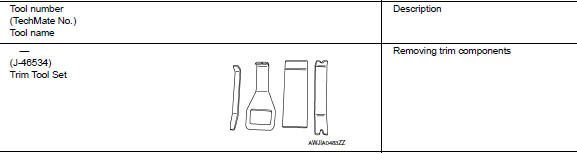
Special Service Tools
The actual shape of the tools may differ from those illustrated here.
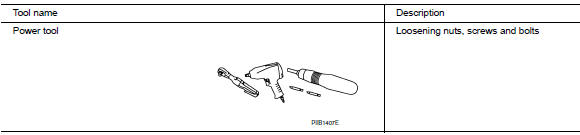
Commercial Service Tools
 Precaution
Precaution for supplemental restraint system (srs)
"air bag" and "seat belt pre-tensioner"
The Supplemental Restraint System such as “AIR BAG” and “SEAT BELT
PR ...
 System description
Component parts
Component parts location
Front tweeter lh
GPS antenna
Steering switches
Av control unit
Front tweeter rh
Microphone
Front door speaker LH
Front door speaker rh
...
Other materials:
C1704, C1705, C1706, C1707 Low tire pressure
DTC Logic
NOTE:
The Signal Tech II Tool (J-50190) can be used to perform the following
functions. Refer to the Signal Tech II
User Guide for additional information.
Activate and display TPMS transmitter IDs
Display tire pressure reported by the TPMS transmitter
Read TPMS DTCs
Register ...
P0130 A/F Sensor 1
DTC Logic
DTC DETECTION LOGIC
To judge the malfunction, the diagnosis checks that the A/F signal computed
by ECM from the A/F sensor 1
signal fluctuates according to fuel feedback control.
DTC No.
CONSULT screen terms
(Trouble diagnosis content)
DTC detecting condition
Possi ...
Dlc branch line circuit
Diagnosis procedure
1.Check connector
Turn the ignition switch OFF.
Disconnect the battery cable from the negative terminal.
Check the terminals and connectors of the data link connector for
damage, bend and loose connection
(connector side and harness side).
Is the inspection resul ...
