
Nissan Sentra Owners Manual: Card holder (driver’s side only)
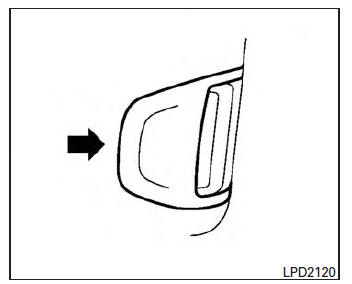
To access the card holder, pull the sun visor down and slide card in the card holder. Do not view information while operating the vehicle.
 Vanity mirrors
To access the vanity mirror, pull the sun visor
down and flip open the mirror cover. Some vanity
mirrors are illuminated and turn on when the
mirror cover is open. ...
 Mirrors
...
Other materials:
Using the system
Initialization
When the ignition switch is in the ON position,
NISSAN Voice Recognition is initialized, which
takes a few seconds. When completed, the system
is ready to accept voice commands. If
the button is pressed before the
initialization
completes, the system will announce: “Voice
...
System description
Component parts
AUTOMATIC DOOR LOCK/UNLOCK FUNCTION
AUTOMATIC DOOR LOCK/UNLOCK FUNCTION
: Component Parts Location
BCM
(view with instrument panel removed)
Main power window and door lock/unlock
switch
Power window and door lock/unlock
switch RH
Front door lock key cylinder ...
Strg branch line circuit
Diagnosis procedure
1.Check connector
Turn the ignition switch OFF.
Disconnect the battery cable from the negative terminal.
Check the terminals and connectors of the steering angle sensor for
damage, bend and loose connection
(unit side and connector side).
Is the inspection result ...
